Cursor Follow
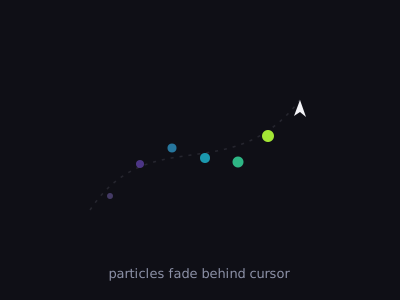
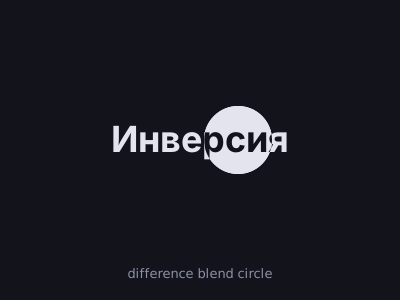
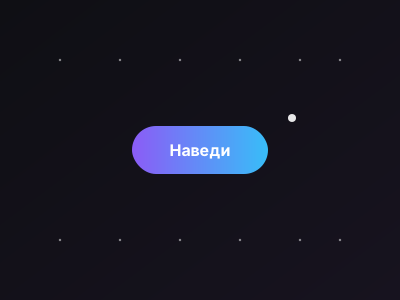
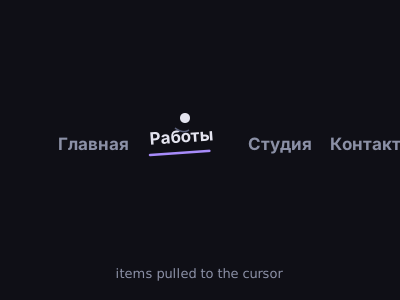
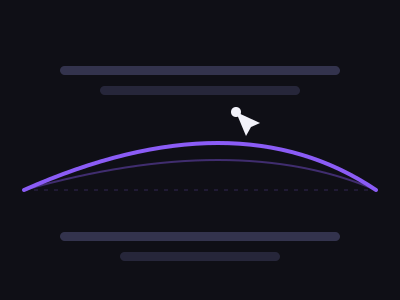
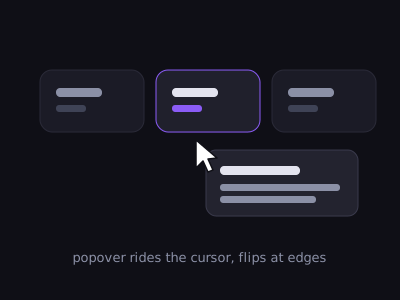
Кастомный курсор: кольцо плавно следует за мышью, точка — точно за ней; кольцо растёт над интерактивными элементами.
Установка
npx shadcn@latest add https://motiva.pages.dev/r/cursor-follow.jsonзависимости: gsap@^3.15.0
Что нужно в проекте до установки
Файл
components.jsonв корнеИз него CLI узнаёт, куда класть файлы. Алиасы — в такой форме:
"aliases": { "components": "@/components", "lib": "@/lib" }Нет файла — установка не начнётся вовсе.
Алиас
@объявлен дваждыВ корневом
tsconfig.jsonи в конфиге сборщика. В Vite корневой tsconfig часто содержит толькоreferences— этого мало."paths": { "@/*": ["./src/*"] } // tsconfig.json resolve.alias = { "@": "/src" } // vite.config.tsБез
pathsCLI молча создаёт папку с именем@.Токены подключены один раз на приложение
Они приезжают вместе с записью — достаточно импортировать их в точке входа:
import "@/styles/motiva-tokens.css";Без них блок потеряет цвета, ритм и тему.
Своя типографика не спорит с блоком
Наследуемые свойства протекают внутрь:
text-align: centerна обёртке отцентрует содержимое секции. То же касаетсяfont-familyиline-height.Проект без TypeScript? всё равно нужен tsconfig
CLI грузит
tsconfig.jsonбезусловно, а при"tsx": falseидёт заjsconfig.jsonи падает так же. Минимум — файл сpathsи"tsx": trueвcomponents.json.Приехавший рядом
.tsxможно не трогать — вам нужен.vanilla.js.
Экспорт
Код
"use client";

import { useEffect, useRef, type CSSProperties } from "react";
import gsap from "gsap";

/**
 * Кастомный курсор: кольцо следует за мышью с плавным запаздыванием, точка — точно за ней.
 * Кольцо растёт над элементами с `data-cursor`. Скрывается при reduced-motion / data-shot / тач.
 * Смонтируй один раз на страницу (position: fixed, слушает document).
 */
export function CursorFollow() {
  const ring = useRef<HTMLDivElement>(null);
  const dot = useRef<HTMLDivElement>(null);

  useEffect(() => {
    const r = ring.current;
    const d = dot.current;
    if (!r || !d) return;

    const frozen =
      document.documentElement.hasAttribute("data-shot") ||
      window.matchMedia("(prefers-reduced-motion: reduce)").matches ||
      window.matchMedia("(hover: none)").matches;
    if (frozen) {
      r.style.display = "none";
      d.style.display = "none";
      return;
    }

    const prevCursor = document.body.style.cursor;
    document.body.style.cursor = "none";

    const xr = gsap.quickTo(r, "x", { duration: 0.5, ease: "power3" });
    const yr = gsap.quickTo(r, "y", { duration: 0.5, ease: "power3" });
    const xd = gsap.quickTo(d, "x", { duration: 0.12 });
    const yd = gsap.quickTo(d, "y", { duration: 0.12 });

    const move = (e: MouseEvent) => {
      r.style.opacity = "1";
      d.style.opacity = "1";
      xr(e.clientX);
      yr(e.clientY);
      xd(e.clientX);
      yd(e.clientY);
    };
    const over = (e: MouseEvent) => {
      if ((e.target as HTMLElement).closest?.("[data-cursor]")) gsap.to(r, { scale: 2.2, duration: 0.3 });
    };
    const out = (e: MouseEvent) => {
      if ((e.target as HTMLElement).closest?.("[data-cursor]")) gsap.to(r, { scale: 1, duration: 0.3 });
    };

    document.addEventListener("mousemove", move);
    document.addEventListener("mouseover", over);
    document.addEventListener("mouseout", out);
    return () => {
      document.body.style.cursor = prevCursor;
      document.removeEventListener("mousemove", move);
      document.removeEventListener("mouseover", over);
      document.removeEventListener("mouseout", out);
    };
  }, []);

  /* до первого движения указателя курсор НЕВИДИМ: иначе кольцо и точка висят
     в левом верхнем углу (0,0) — мусор в кадре и у превью, и у потребителя */
  const base: CSSProperties = {
    position: "fixed",
    top: 0,
    left: 0,
    pointerEvents: "none",
    zIndex: 9999,
    borderRadius: "50%",
    opacity: 0,
    transition: "opacity 0.25s",
  };

  return (
    <>
      <div ref={ring} style={{ ...base, width: 34, height: 34, margin: "-17px 0 0 -17px", border: "1.5px solid oklch(0.72 0.15 220)" }} />
      <div ref={dot} style={{ ...base, width: 6, height: 6, margin: "-3px 0 0 -3px", background: "oklch(0.72 0.15 220)" }} />
    </>
  );
}
import gsap from "gsap";

/**
 * Cursor Follow — vanilla JS/GSAP (без React). Кольцо с запаздыванием + точка;
 * кольцо растёт над элементами с `data-cursor`. Создаёт свои элементы сам.
 *
 *   <script type="module">
 *     import { initCursorFollow } from './cursor-follow.vanilla.js';
 *     const destroy = initCursorFollow({ color: 'oklch(0.72 0.15 220)' });
 *   </script>
 *
 * @param {{ color?: string }} [options]
 * @returns {() => void} destroy
 */
export function initCursorFollow({ color = "oklch(0.72 0.15 220)" } = {}) {
  const frozen =
    document.documentElement.hasAttribute("data-shot") ||
    window.matchMedia("(prefers-reduced-motion: reduce)").matches ||
    window.matchMedia("(hover: none)").matches;
  if (frozen) return () => {};

  /* до первого движения указателя курсор НЕВИДИМ: без этого кольцо и точка висят
     в левом верхнем углу (0,0) — мусор в кадре и у превью, и у потребителя */
  const base = `position:fixed;top:0;left:0;pointer-events:none;z-index:9999;border-radius:50%;opacity:0;transition:opacity 0.25s;`;
  const ring = document.createElement("div");
  ring.style.cssText = `${base}width:34px;height:34px;margin:-17px 0 0 -17px;border:1.5px solid ${color};`;
  const dot = document.createElement("div");
  dot.style.cssText = `${base}width:6px;height:6px;margin:-3px 0 0 -3px;background:${color};`;
  document.body.append(ring, dot);

  const prevCursor = document.body.style.cursor;
  document.body.style.cursor = "none";

  const xr = gsap.quickTo(ring, "x", { duration: 0.5, ease: "power3" });
  const yr = gsap.quickTo(ring, "y", { duration: 0.5, ease: "power3" });
  const xd = gsap.quickTo(dot, "x", { duration: 0.12 });
  const yd = gsap.quickTo(dot, "y", { duration: 0.12 });

  const move = (e) => {
    ring.style.opacity = "1";
    dot.style.opacity = "1";
    xr(e.clientX);
    yr(e.clientY);
    xd(e.clientX);
    yd(e.clientY);
  };
  const over = (e) => {
    if (e.target.closest?.("[data-cursor]")) gsap.to(ring, { scale: 2.2, duration: 0.3 });
  };
  const out = (e) => {
    if (e.target.closest?.("[data-cursor]")) gsap.to(ring, { scale: 1, duration: 0.3 });
  };

  document.addEventListener("mousemove", move);
  document.addEventListener("mouseover", over);
  document.addEventListener("mouseout", out);
  return () => {
    document.body.style.cursor = prevCursor;
    document.removeEventListener("mousemove", move);
    document.removeEventListener("mouseover", over);
    document.removeEventListener("mouseout", out);
    ring.remove();
    dot.remove();
  };
}